DJ set planner · Mac + Windows
Plan the mix.
8ALay your whole set out on one timeline, draw every transition, shape the tempo across the night, and take it to the booth as Rekordbox cues and a rendered mix.
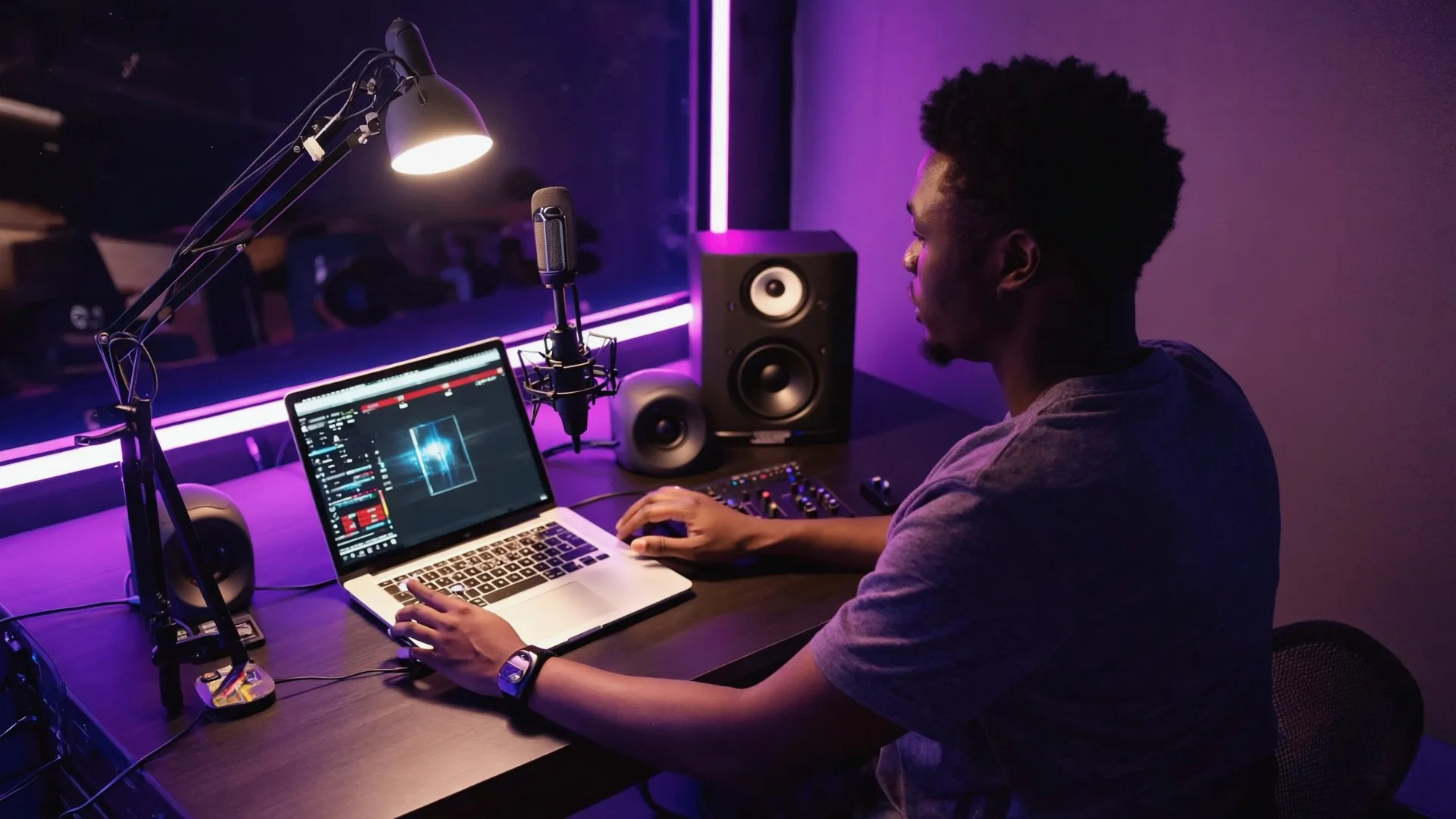
A one-minute film: six DJs in a record shop, a bedroom, a night train, a home studio, a club booth and on a rooftop at sunrise, each with the real TomaMix window showing the library, the arrangement, a transition, the mixer moves, the Rekordbox export and the set overview. The soundtrack is the track Lostiverse.
How it works
From a folder of tracks to a set you can play.
Three steps. The middle one is the fun part.
Drop in your tracks
Drag MP3, WAV, AIFF, FLAC or M4A files onto the window. TomaMix finds the BPM, beat grid and first downbeat, levels the gain and lays the set out in order.
Shape every transition
Where two clips overlap, that's a transition. Drag its edges to choose where and how long. Draw bass swaps, filter sweeps and echo outs on the waveforms, or pick a preset.
Take it to the booth
Export to Rekordbox with hot cues at every mix point and the playlist in order. Render the mix to WAV or MP3 and listen to it on the way to the gig.
For everyone who mixes
If you love mixes, it's for you.
No booth, controller or years of practice needed. Build mixes without gear, plan the set on the way, walk into the booth ready, or share your sound with the world.



Inside the app
Built like a DAW. Thinks like a DJ.
Everything in the box
The full list.
Arrangement
- Whole set on one timeline, overlaps are transitions
- Drag clips to reorder
- Drag lens edges: mix point and 1 to 256 bars
- Energy line over the set
- Harmonic dot on every transition
- Solo, mute and level meters on every clip
Transitions
- Deck A over deck B with beat grid and phrase markers
- Volume, Bass, Mids, Highs, Filter, Echo lanes, drawn by hand (TomaMix)
- Points snap to the beat, Shift to move freely
- Presets and Fade on every plan, ✦ Auto (Pro)
- Loops that land on the bar
Tempo
- Master tempo lane under the whole set
- Hold, ramp during or after, jump at the end
- Draw the curve by hand, BPM to 0.01 (Pro)
- Both decks follow ramps together
- Sync on or off per track
Tracks
- Automatic BPM, beat grid and downbeat
- Auto gain and 3-band waveforms
- Key detection, or from the filename
- Energy 1 to 10
- "Suggested next" by key and BPM (Pro)
Sound
- DJM-style 3-band EQ with −30 dB kills
- One-knob colour filter with resonance
- Beat-synced echo that rings out
- Filter and echo lanes anywhere in the set (TomaMix)
- Soft limiter on the master
- Preview is exactly what gets exported
Cues
- Hot cues A–H, memory cues and loops
- Repeat cues every 4 to 32 bars
- Auto cues from phrases and sections (Pro)
- Cue templates that update every track (Pro)
- Mix in and out as hot cues in Rekordbox
Library and order
- Playlists, folders and smartlists with rules
- Tags, energy 1–10 and bass type
- Edit many tracks at once
- ✦ Suggest order by key, tempo and energy (Pro)
- Drag to reorder, undo every change
Workflow
- Set overview: tempo, keys, energy, loudness; what to check (TomaMix)
- Phrase line-up with one-key fixes (Pro)
- Undo and redo for every edit
- Your own hotkeys and settings
- Autosave, edits heard in about 0.1 s
Grid and loudness
- Grid editor with click track and tap tempo
- Double-click a kick to set the downbeat
- Phrase grid from the real section changes, movable by hand
- Key detection from the audio
- LUFS and peak for every track
- Gain balance for the set in one click (TomaMix)
Export
- Rekordbox XML: grids, hot cues, memory cues, loops, playlist
- Real file paths from your computer
- Render to WAV or MP3 320, streamed to disk
- CUE sheet, M3U8 and tracklist
- PDF cheat sheet for the booth, free on every plan
- Portable project files
Specs
What you need.
- macOS
- macOS 11 Big Sur or later, Apple silicon or Intel
- Windows
- Windows 10 or 11, 64-bit
- Screen
- 1280×800 or larger, mouse or trackpad. Up to 2560×1440 uses the extra room.
- Audio in
- MP3 · WAV · AIFF · FLAC · M4A
- Out
- Rekordbox XML · WAV · MP3 320 · CUE · M3U8 · TXT · PDF
- Licence
- Free forever to plan and preview. Exports with TomaMix or Pro, monthly, yearly or lifetime. One licence runs on 2 of your computers.
Roadmap
Where TomaMix is going.
A small lab, shipping often. Lifetime and subscription licences get every 1.x update.
5 NovemberVersion 1.0
- Everything on this page: arrangement, transitions, tempo lane, grid editor, cues, playlists, loudness, set overview and every export
- ✦ HarmonizePRO: a one-click first draft. TomaMix orders your tracks and places the transitions on phrases, so you start from a whole set and edit it
NextIn the lab
- Key lockTOMAMIX: beatmatch without changing the pitch
- MIDI recordingPRO: play the moves on your controller and record them into the lanes
- More effectsPRO: reverb first, then spinback and flanger
- Rekordbox library importPRO: bring in your grids, keys and cues
- Watch folders: new tracks in a folder are added and analysed on their own
- Mixcloud upload: the rendered mix with its tracklist
LaterOn the list
- Serato and Engine DJ exportPRO: the same cues and playlists for more booths
- DAW export, starting with an Ableton Live project
- FLAC render, if you ask for it
Pricing
Free to plan. Pay by the month when you export.
Start free and keep it free for as long as you like. When you want the mixdown and the Rekordbox export, go monthly, and move to yearly or lifetime whenever it suits you.
Plan, arrange, preview and save as many sets as you like, with every transition preset, BPM, key and grid detection, playlists, loudness and the set overview chart. No time limit. Playback runs 30 minutes at a stretch.
Print the PDF cheat sheet for the gig. The other exports are locked.
Download freeEverything in Free, plus the WAV and MP3 mixdown, Rekordbox XML with cues, CUE sheet, M3U8 and tracklist. Draw your own volume, EQ, filter and echo moves on every transition, filter and echo lanes across the set, gain balance and the set checks. Whole sets play without stopping. Key lock when it lands.
Buy TomaMixEverything in TomaMix, plus the hand-drawn tempo lane, the live mixer panel, ✦ Harmonize (a one-click first draft), ✦ Auto, Suggest order, Suggested next, phrase line-up, auto cues, cue templates and tempo changes in no-kick zones. Coming to Pro: MIDI recording, Rekordbox library import, Serato and Engine DJ export.
Buy TomaMix ProNo fee. The yearly plan starts when your paid month ends.
What you paid in the last 12 months counts, up to half the lifetime price.
Pay only the difference: €6 a month, €43 a year or €120 lifetime.
TomaMix keeps working as Free, and every set you made stays yours.
All prices include VAT. One licence runs on 2 of your computers. Lifetime includes every 1.x update.
FAQ
Questions DJs ask.
Do my tracks get uploaded anywhere?
No. TomaMix opens the files from where they already live on your computer. Nothing is uploaded, and there's no streaming account to sign into.
How do the cues get into Rekordbox?
Export to Rekordbox writes an XML file. In Rekordbox, turn on the "rekordbox xml" view, point Imported Library at the file, and drag the playlist into your collection. The mix in and mix out land on hot cues G and H, with matching memory cues, so your own cues A to F stay free. Settings can switch to the older A, B, C layout. Rekordbox adds cues to tracks that are new to your collection and leaves cues you already set alone.
Does beatmatching change the pitch?
In this version, yes, like a CDJ with master tempo off. The inspector shows the pitch change for each track. Key lock is the next big feature.
Does it work with my controller or CDJs?
TomaMix is for planning, at home or on the train. You play the set on your own gear, with the cues and playlist it exported.
Is TomaMix free?
Yes: the Free plan is free forever, with no time limit. Plan, arrange, preview and save as many sets as you like. You can also print the PDF cheat sheet with your tracklist and transitions. Playback on Free runs 30 minutes at a stretch; press play to go on. The other exports (mixdown, Rekordbox, CUE, M3U8, tracklist) need TomaMix or Pro.
Can I just pay by the month?
Yes. TomaMix is €9.99 a month and Pro €15.99 a month, VAT included. Cancel any time and TomaMix keeps working as Free, with all your sets. Need exports for one gig? One month does it.
Can I upgrade later?
Yes. What you paid in the last 12 months counts toward the new plan, up to half its lifetime price. Monthly to yearly costs nothing extra: the yearly plan starts when your paid month ends. Yearly to lifetime is €207 for TomaMix and €284 for Pro. After 12 monthly payments, lifetime is €159.12 for TomaMix and €207.12 for Pro. All prices include VAT.
Can I move from TomaMix to Pro?
Yes, you pay the difference: €120 for lifetime, €43 more a year, or €6 more a month, VAT included.
Can I use it on more than one computer?
Yes. One licence runs on 2 computers you own. To move it, deactivate it on the old one first.
Windows says "Windows protected your PC", or macOS won't open it.
On Windows, choose More info, then Run anyway. On a Mac, open System Settings, Privacy & Security, and choose Open Anyway. Both go away as the signed installer builds up its reputation.
Out now · Mac + Windows
Free to download now.
Plan as many sets as you like on the Free plan, with no time limit. When you want the exports, TomaMix starts at €9.99 a month, and the €199 lifetime launch price and the €319 Pro founder price run for a short time after launch. VAT included.